How to Register on ZuluTrade via Alfa-Forex
ZuluTrade is the copy trading platform integrated with Alfa-Forex. To start copy trading, you need both an Alfa-Forex live account and a linked ZuluTrade investor account. Follow these steps to complete the registration.
Step-by-Step Registration
Open an Alfa-Forex Live Account
Visit the Alfa-Forex registration page and complete the account opening process. You will need to provide personal information, verify your identity, and fund your account with a minimum deposit.
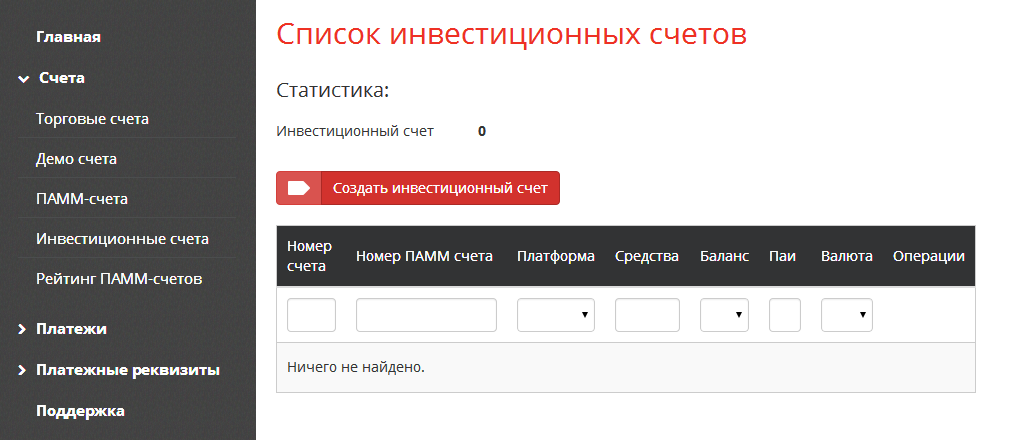
Access ZuluTrade from Your Alfa-Forex Dashboard
Log into your Alfa-Forex personal cabinet. Navigate to the ZuluTrade section. Click the link to connect your account to ZuluTrade. This will automatically create a linked ZuluTrade investor account using your Alfa-Forex credentials.
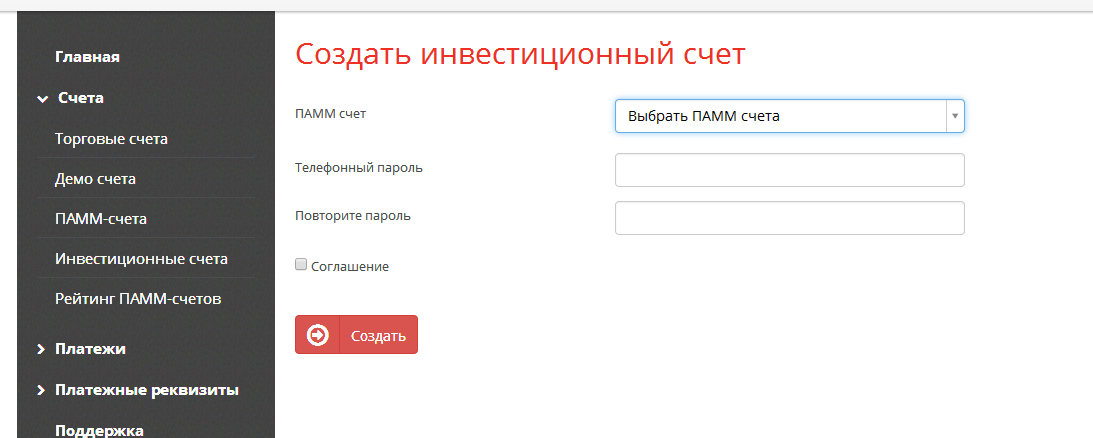
Choose Signal Providers on ZuluTrade
Browse ZuluTrade's signal provider rankings. Filter by performance, drawdown, number of followers, and trading style. Select 3–5 providers with different trading approaches to diversify your copy trading portfolio.
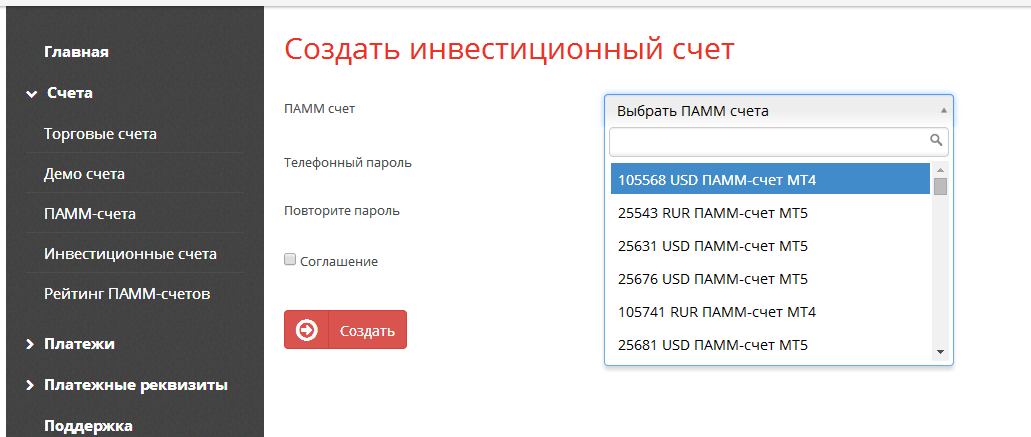
Configure Copy Settings and Activate
For each signal provider you choose to follow, set your lot size multiplier and maximum drawdown limit. Once configured, your account will automatically copy all trades from the selected providers in real time.