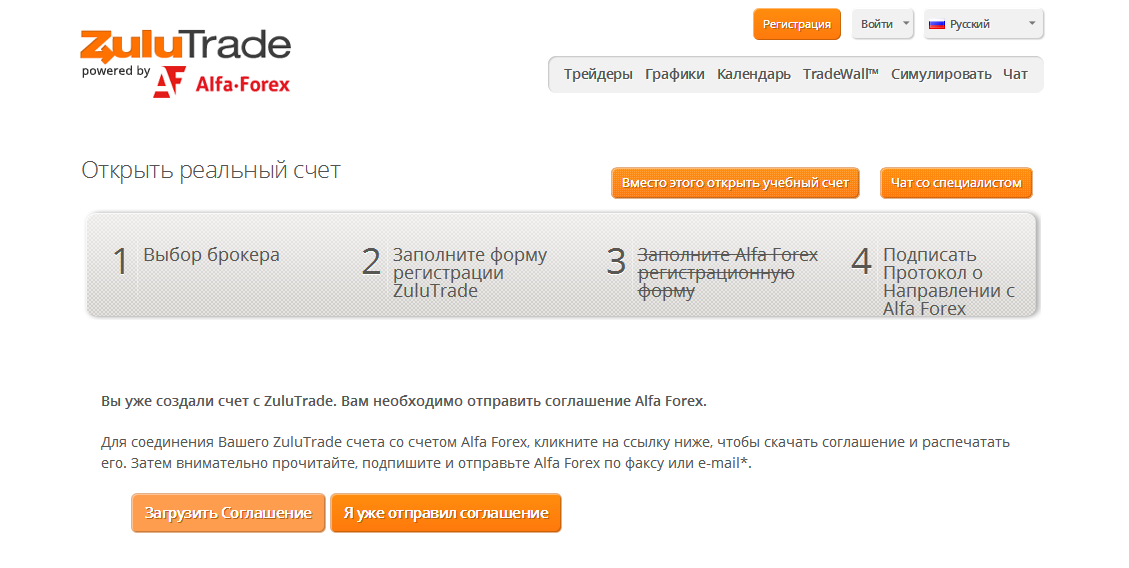
Copy Trading Registration
Follow these four steps to set up your copy trading account via ZuluTrade connected to Alfa-Forex. The entire process takes about 10–15 minutes.
Open a Trading Account at Alfa-Forex
Visit the Alfa-Forex registration page and complete the online application. As a division of Alfa-Bank, the process is fully online. You will receive your MT4 account credentials by email.
Register at Alfa-Forex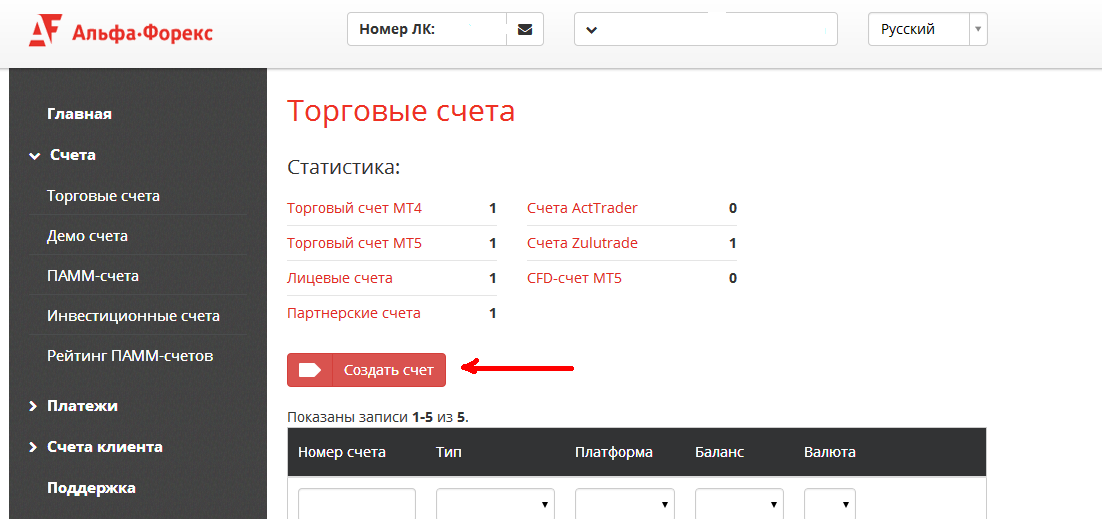
Register Your Account on ZuluTrade
Go to the Alfa-Forex ZuluTrade portal and create your investor account. Link your Alfa-Forex MT4 account number during this step.
Open ZuluTrade Account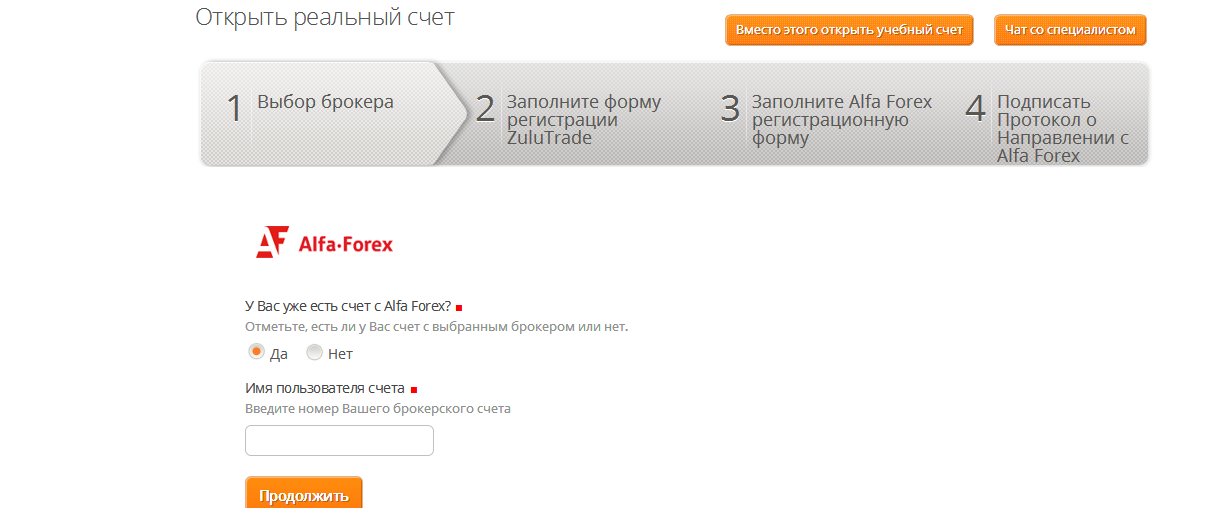
Select Signal Providers
Browse ZuluTrade rankings and select one or more signal providers. Review each trader's performance history, drawdown, followers, and profit factor. Diversifying across 3–5 providers is recommended.
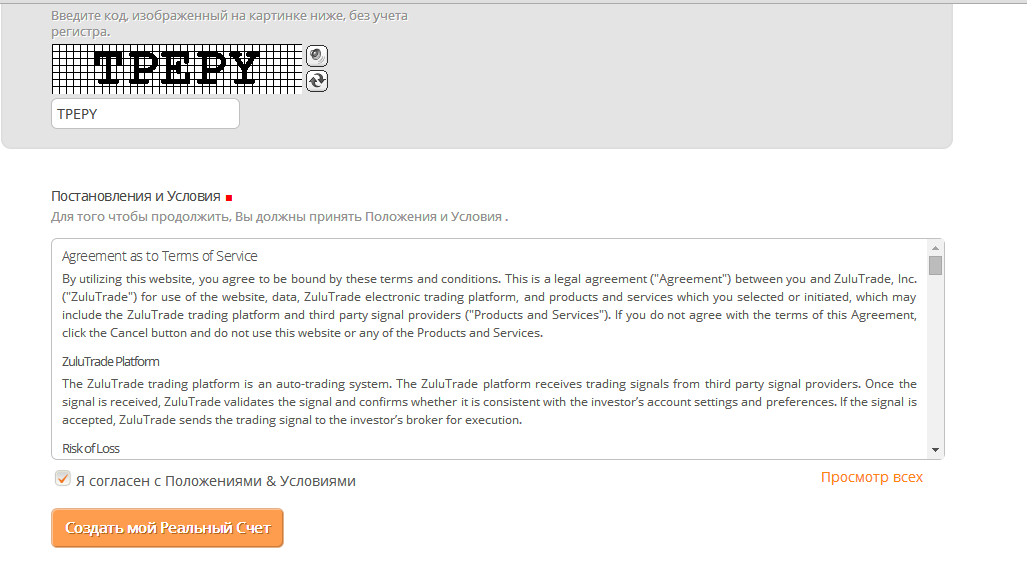
Start Copy Trading
Once you have selected signal providers and funded your account, the system automatically begins copying trades. Monitor performance, adjust your portfolio, or stop copying anytime from the ZuluTrade dashboard.